Views and focal length
Front, three-quarter, profile, back and elevated views; focal lengths from 18 to 135 mm.
How to use it ↗Interactive lessons, 3D form, art references and image analysis. Bring observation into your practice.
iPhone & iPad. Not on the App Store yet. In private beta.
Turn a model, study an artwork, change the light. Build ways of seeing.
Learn by doing in interactive lessons, then read colour and value through image analysis.
Save artworks and swatches, arrange a still life and take that understanding into your practice.
Learn by doing, study form in 3D, build a reference collection and read the colours in your own images.
01 / LEARN
Fundamentals, artist lives and art history share a home in Learn. Open a record and start with a concrete question, then look, interact and understand.
Lessons and content are growing. The app distinguishes available entries from those in preparation.
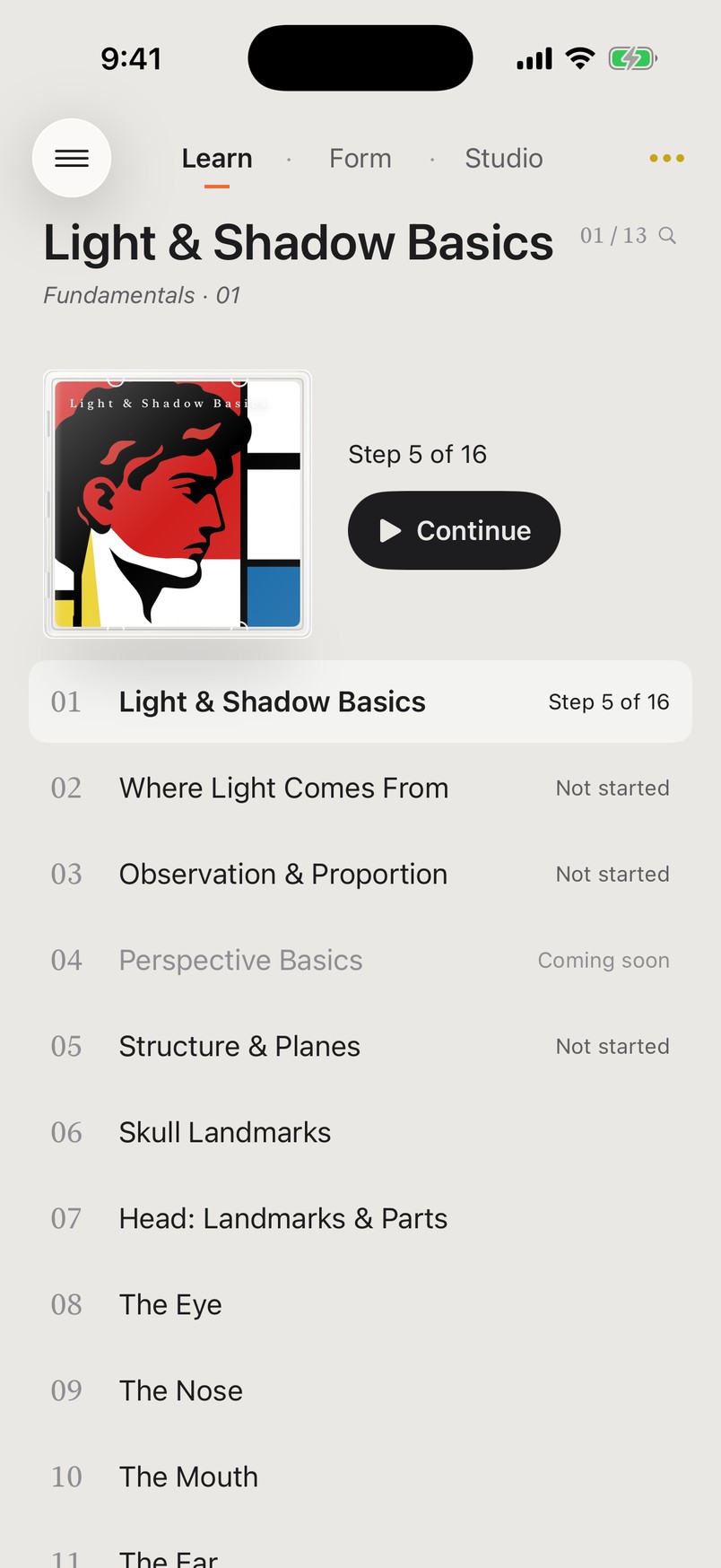
Current app · Learn and an interactive lesson (built-in demo)
02 / REFERENCES
Browse eight subjects: portraits, people and daily life, religion and mythology, landscapes, sea and water, still life and flowers, animals, and abstract art and patterns. Art references and 3D models each have their place.
Image use follows the source and licence listed for each work.
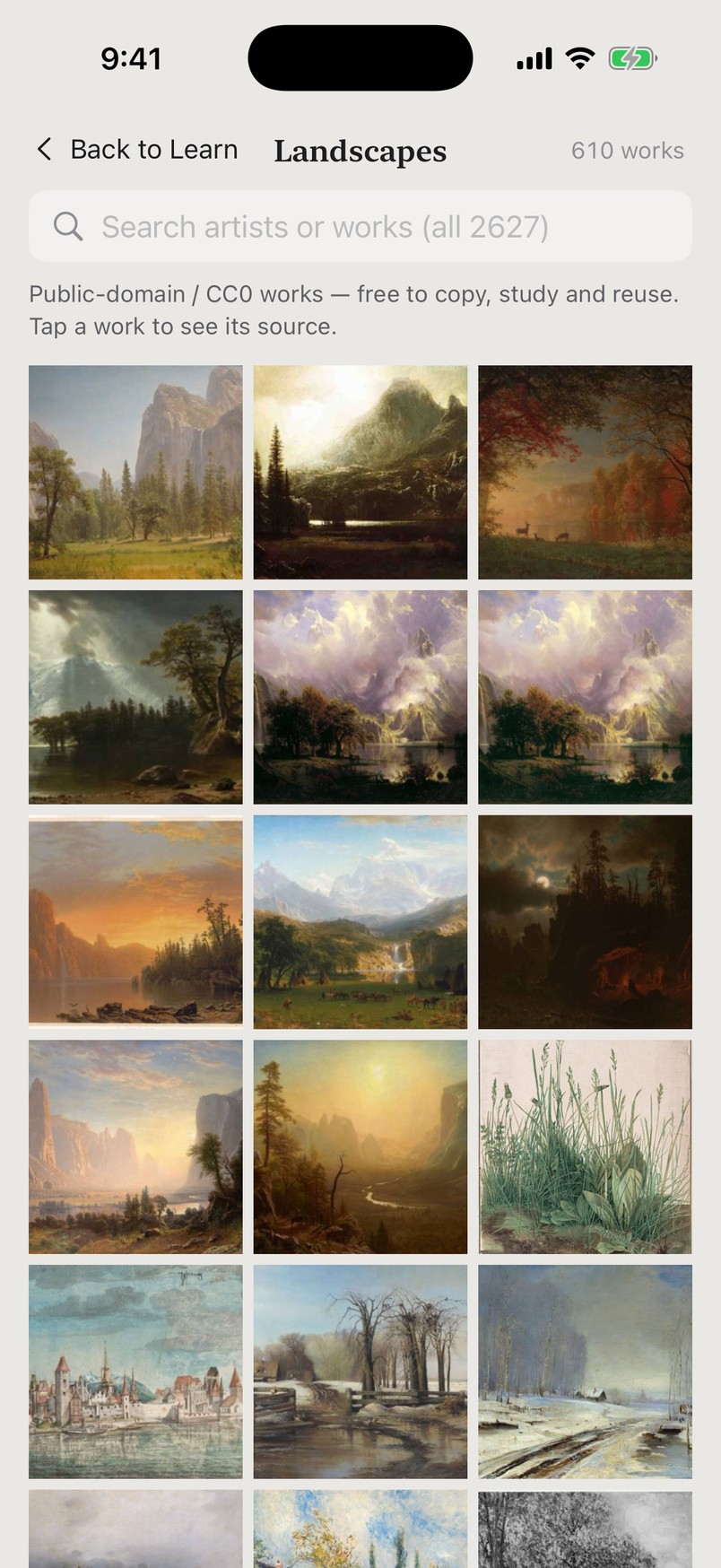
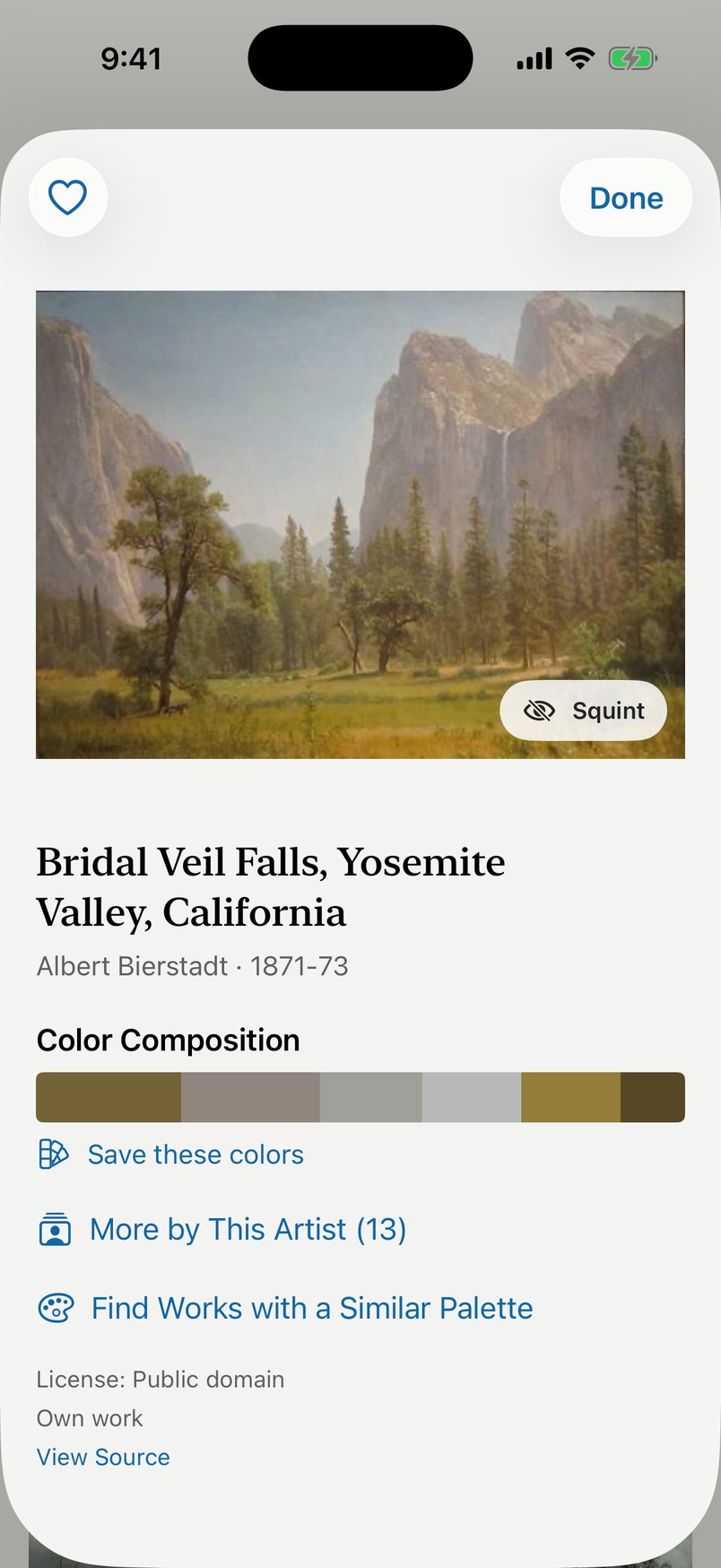
Current app · Artworks by subject and artwork details
03 / IMAGE ANALYSIS
Choose your own photo, or try an artwork from the reference library. Compare the original with its colour masses and see how colour, value and temperature are distributed.
Image analysis runs on your device. Your selected photo is not uploaded.
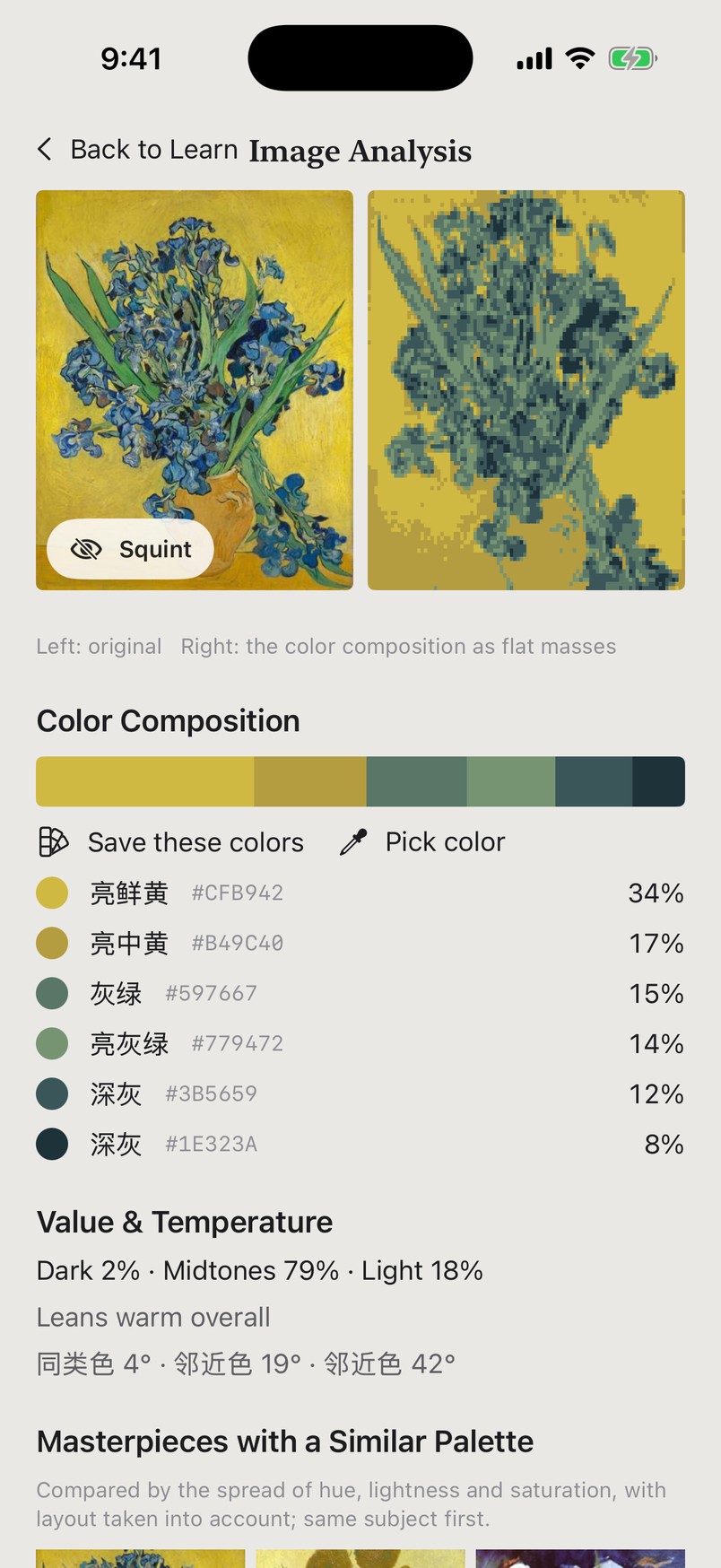
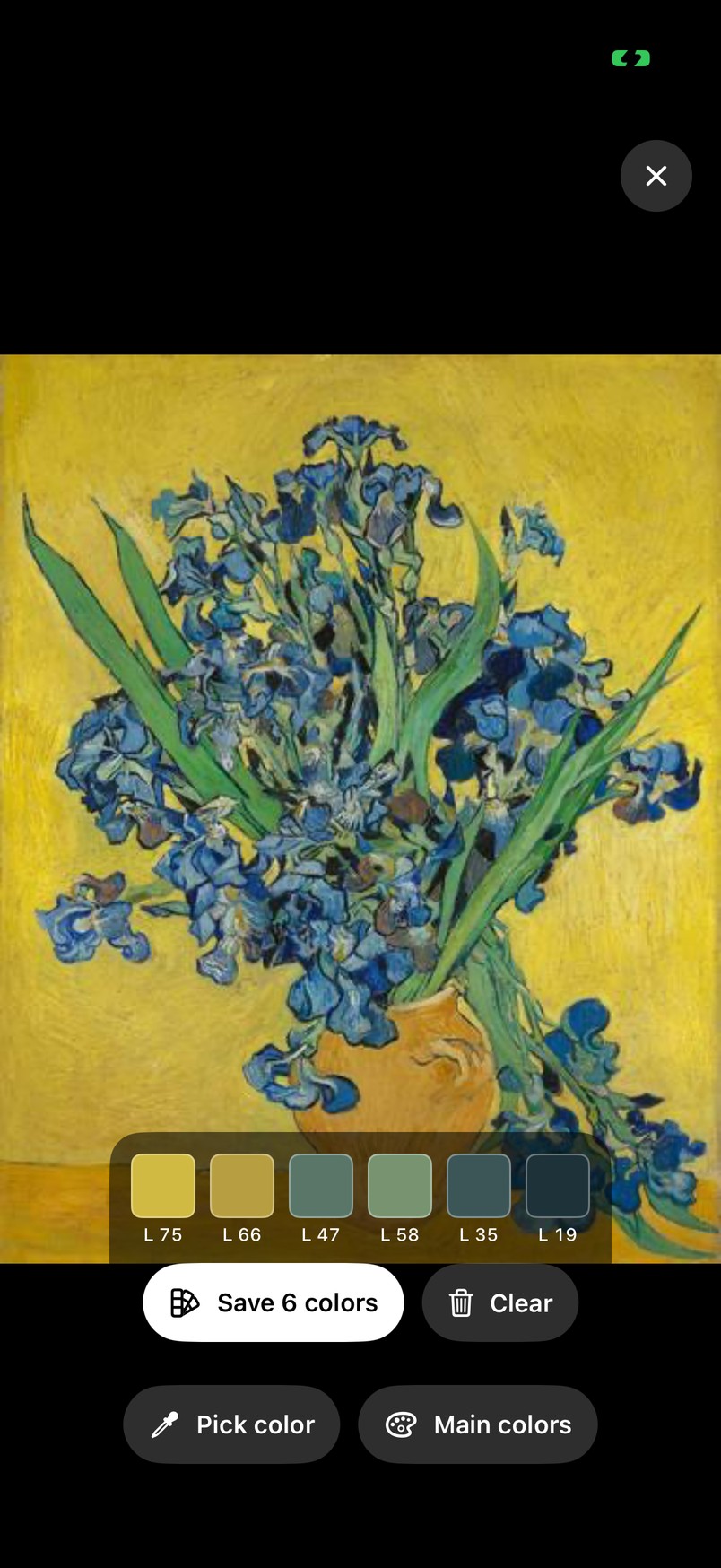
Current app · Image analysis demonstrated with a bundled artwork
FROM OBSERVATION TO PRACTICE
Front, three-quarter, profile, back and elevated views; focal lengths from 18 to 135 mm.
How to use it ↗Rembrandt, butterfly, loop, split and top light; drag the light sphere and adjust intensity.
How to use it ↗Compare nine materials, change a hairstyle, adjust the fit and save a personal preset.
How to use it ↗Pen, pencil, eraser and a translucent ruler, with colours, stroke widths and undo/redo.
How to use it ↗Start from a relaxed or closed-hand preset, then adjust individual fingers and the wrist.
How to use it ↗Arrange up to ten objects, transform, duplicate, ground and snap them, then save the scene.
How to use it ↗Search the illustrated guide, enlarge phone screenshots and play short demonstrations on demand.
The same head, from the front, three-quarter, profile and above, is four different faces. Rotate freely, or jump to a standard view with the matching lens length shown.
Screen recording from the app · David head
RENDERING STYLES
From normal shading to marker, pop art and six-step painting. Select a style to see the current app in motion.
Study material, light and cast shadow.
Read the rendering guide ↗Move the light and the shading follows. Compress it to light and dark, then see how the shapes sit on the form.
Plane values from 1 to 9, numbered right on the surface.
Screen recording from the app
The head in four steps: from blocks to a complete form. You can always step back.
Sphere, cone, cylinder: turn on perspective mode and the guides really sit in space. Move the camera and see.
Eyes, nose, ear and mouth are stepped too.
Screen recording from the app
Eleven landmarks on the head stay attached to the model and follow it as you turn. Point, leader line, name, region. Bilingual, in a short and a full version.
From looking, to recognising, to remembering.
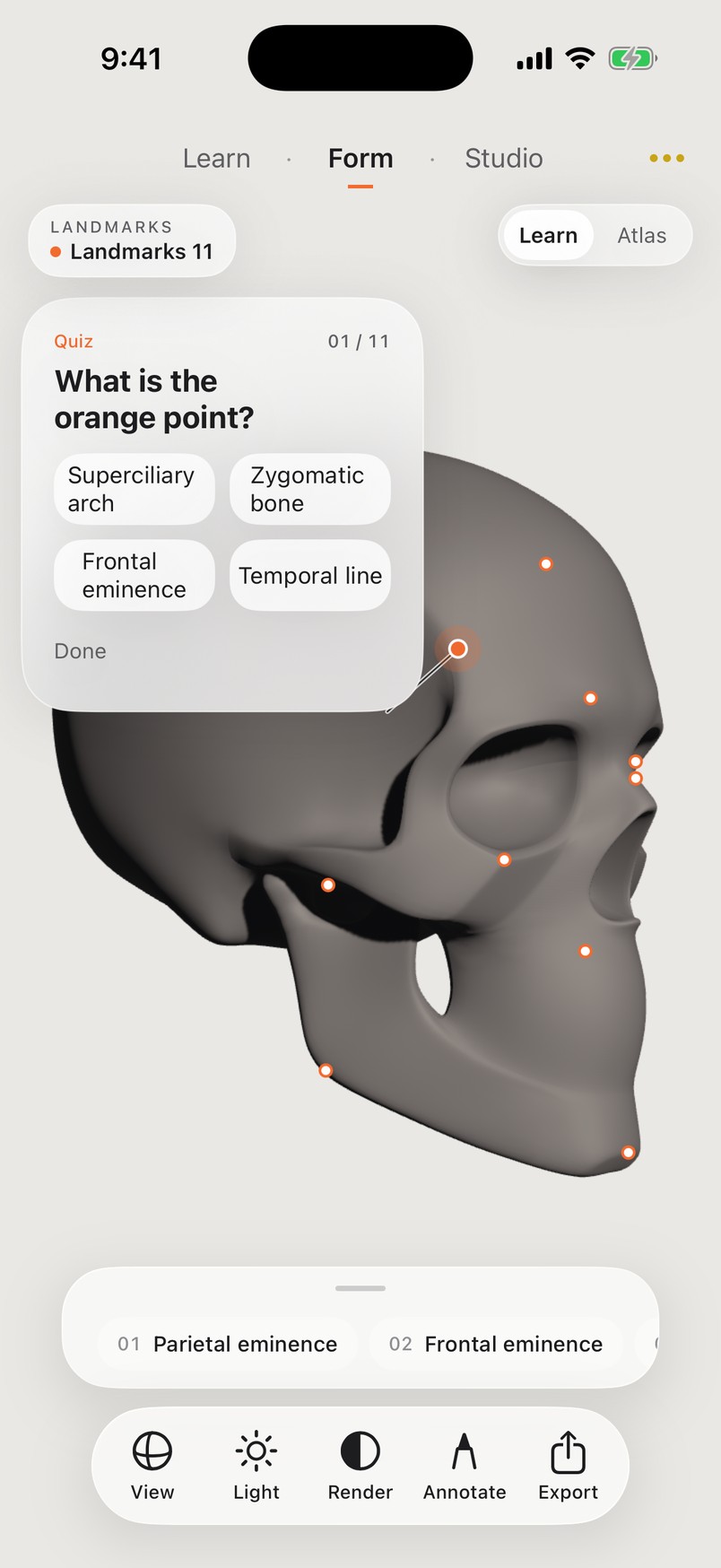
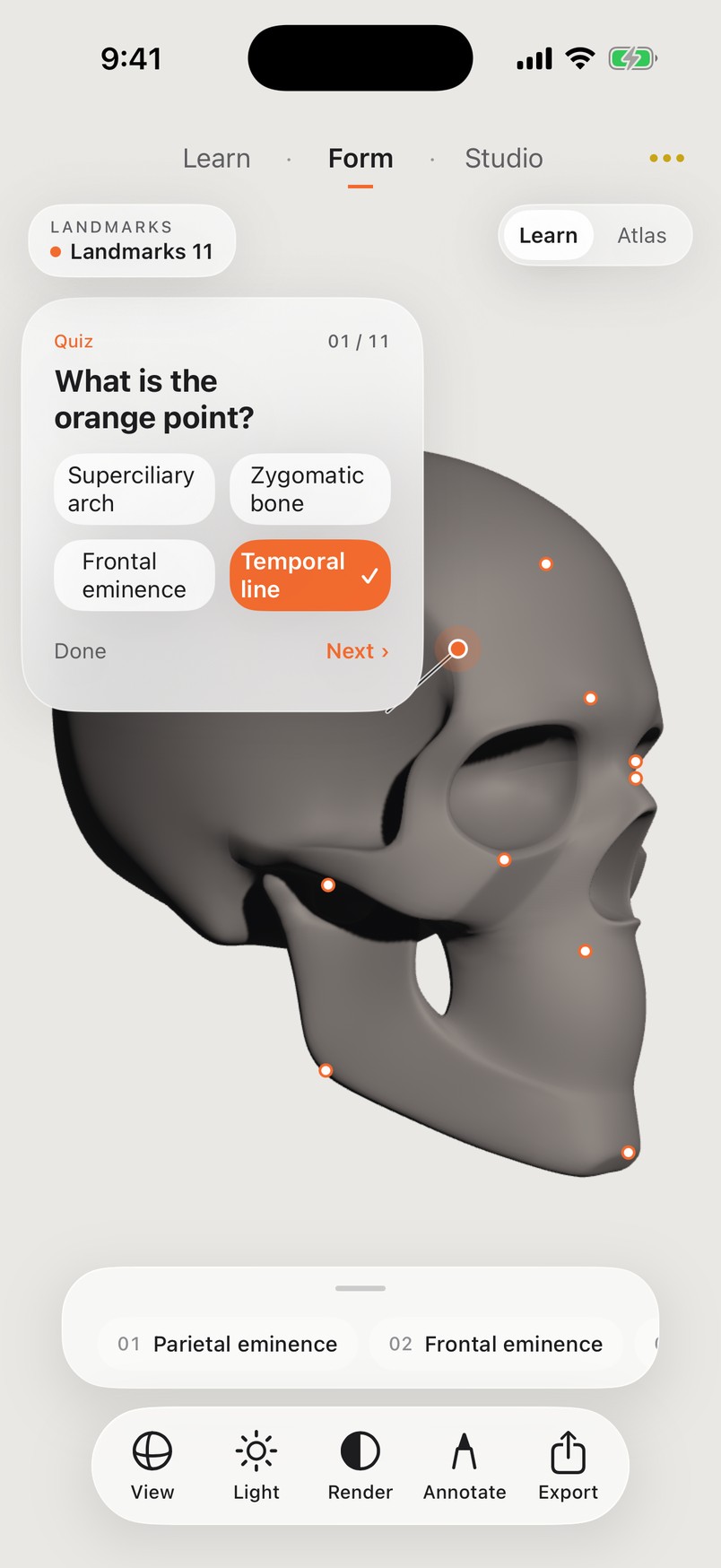
The real self-test screen: four choices, and the right answer is never highlighted while you test.
Anime, hands and hair turn, come apart and pose the same way.
A flat picture comes from a three-dimensional idea.
A rigged hand: every finger joint bends and extends, or jump to a preset pose.
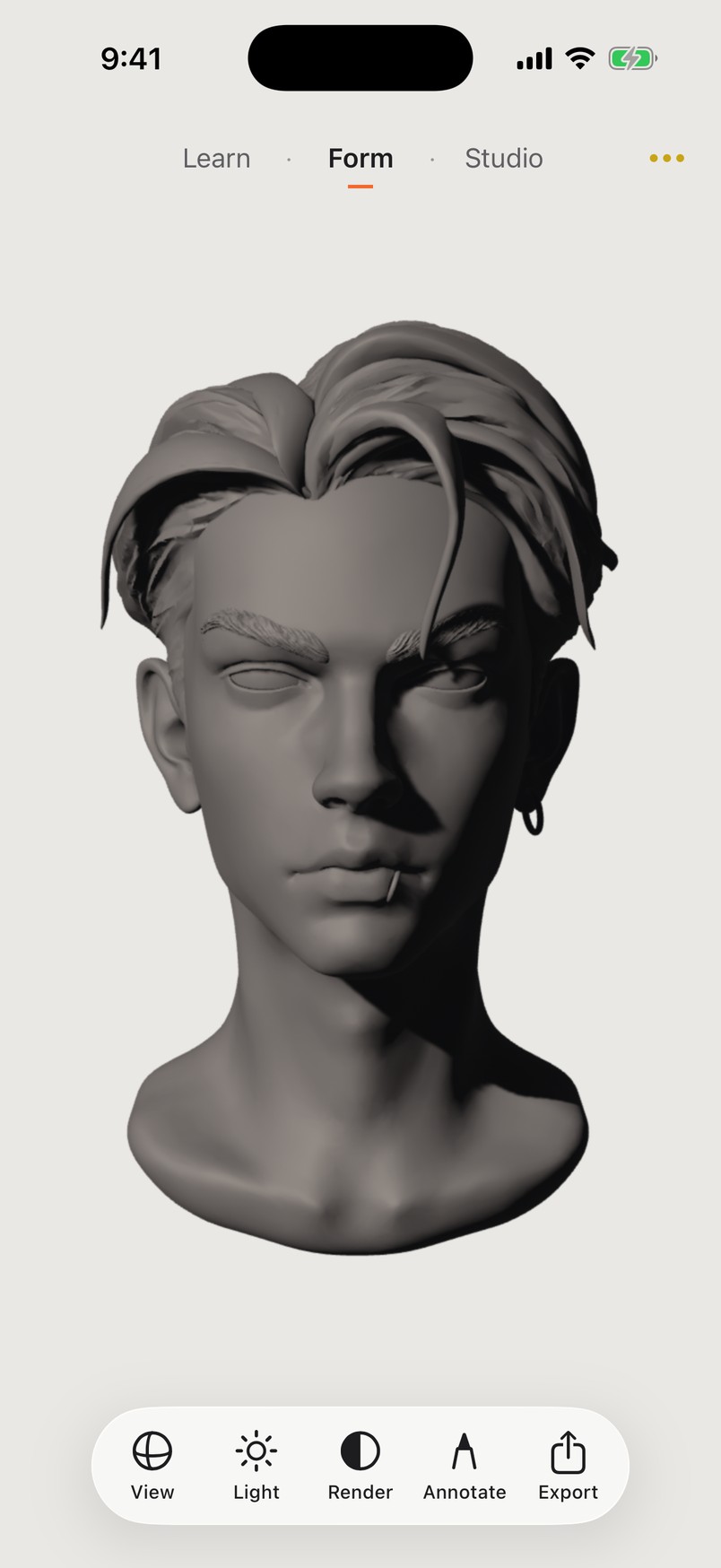
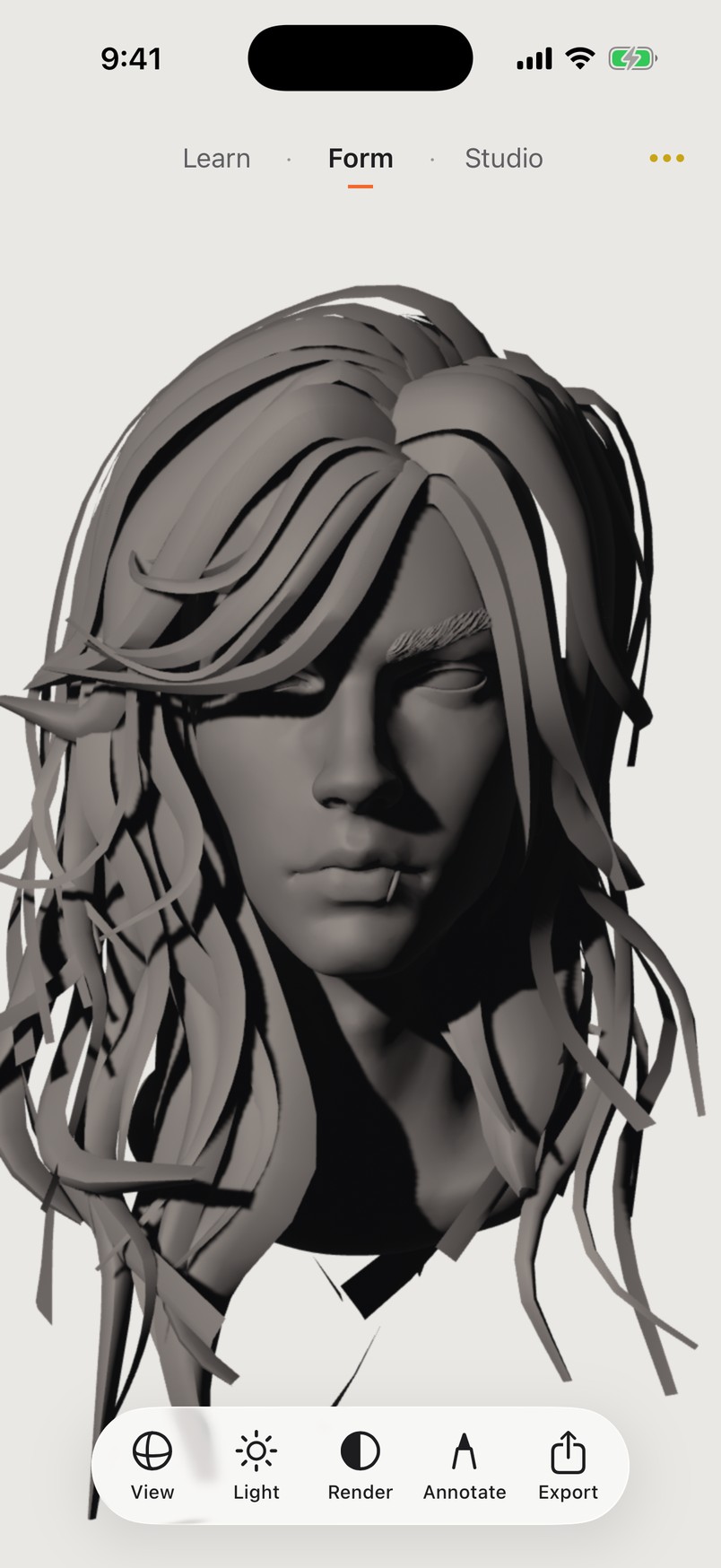
Same head, different hair. The head stays. The outline changes.
Set up your own still-life table on your phone: add objects, move, rotate and scale them, drop them to the ground, light them, compose.
Annotate on the image, then export a clean reference: transparent background, 2K or 4K, or a greyscale version for value practice.
Screen recording from the app · Workshop
120 models so far, and growing. Sorted by kind: structure heads, features, head-neck-shoulders, hands, realistic, anime, stylised, figures, animals, plaster, still life and primitives.
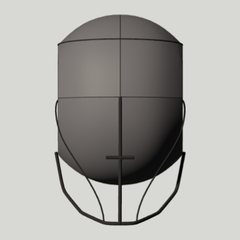 Loomis head
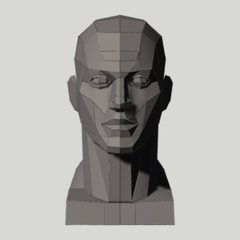 Planes head
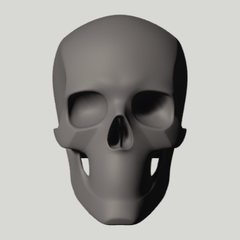 Human skull
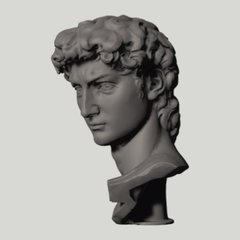 David head
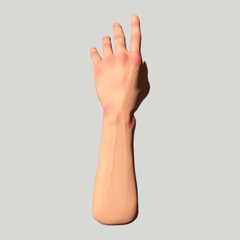 Hand, posable
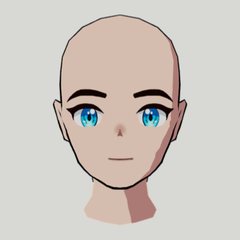 Anime male head
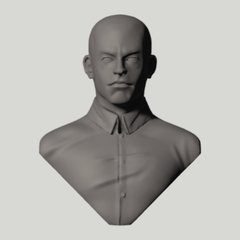 Realistic bust
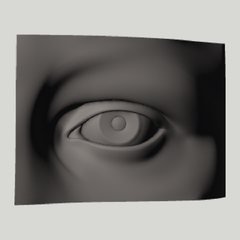 Eye, step 2
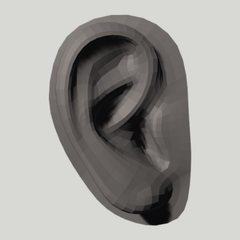 Ear, step 4
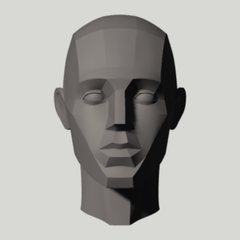 Head structure, step 4
 Sphere
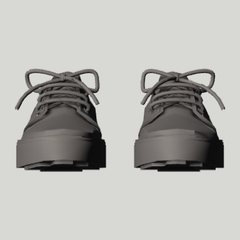 Shoe
ShoeA structure you cannot read: turn it, switch off the light, test yourself again.
The same model, the same light, the same angle. Explain a structure once, for everyone.
Use the library as a teaching aid always at hand: heads, features, hands, plaster, still life.
Not yet. It is not on the App Store and is in a small private trial. The trial application channel is being prepared. You can explore the user guide now.
iPhone and iPad with iOS 18 / iPadOS 18 or later. On older devices, use normal shading or fewer still-life objects.
Form and Studio run locally. Sign-in, learning progress sync, content updates and high-resolution originals need a connection. Available entries depend on the current version.
Annotations are 2D marks tied to the current view. They hide when the view changes to avoid misalignment. Set the angle, then annotate and export.
No. Model labels run from 1 (lightest) to 9 (darkest). Palette lightness runs from 0 (black) to 100 (white).
The app offers Chinese, English and Japanese interfaces.
120 models so far. The author, source and licence of each are listed in the app under Settings → About → Third-Party Assets, and credited authors are named in the footer.
Public studio contact details are being prepared. The guide explains the available teaching and reference workflows.
The trial application channel is being prepared. This page does not collect contact details yet.
Read the guideStudios, schools and teachers can explore the learning and reference workflows. Contact details will be announced.
Read the guideTrial and studio contact channels are being prepared. The user guide is available now.